
ScannerOnline.io

Loading your documents...

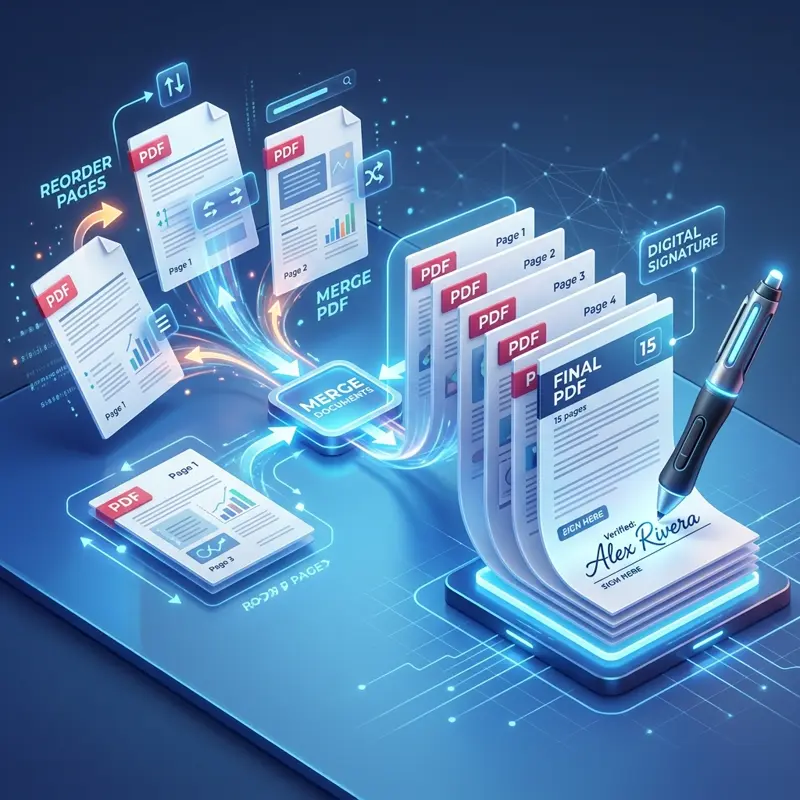
PDF Tools

Manage PDF

PDF Signer

Add your signature to any PDF document

PDF Merge

Combine multiple PDF files into one

PDF Split

Extract pages or split a PDF into parts

PDF Reorder

Rearrange the order of pages in your PDF

Delete Pages

Remove unwanted pages from your document

Other Useful Tools

Transfer My File

Securely share large files online with ease

QR Code Generator

Generate custom QR codes for links & text

JPG to PNG

Image converter, compressor & editor

Online Compass

A precise digital compass for your browser

Settings

Appearance
Light Mode
Privacy Policy
Support

Tool Name

Drop your PDF here or click to upload

Document.pdf

Drop your PDF here or click to upload

View Document

Add Signature

Original

Cleaned

Select Signature Image

Elegant
Stylish
Classic
Formal

ScannerOnline.io: Professional Online Document Scanner

Convert physical documents into high-quality PDFs instantly with our AI-powered web application. No installation required - scan directly from your mobile or desktop browser.

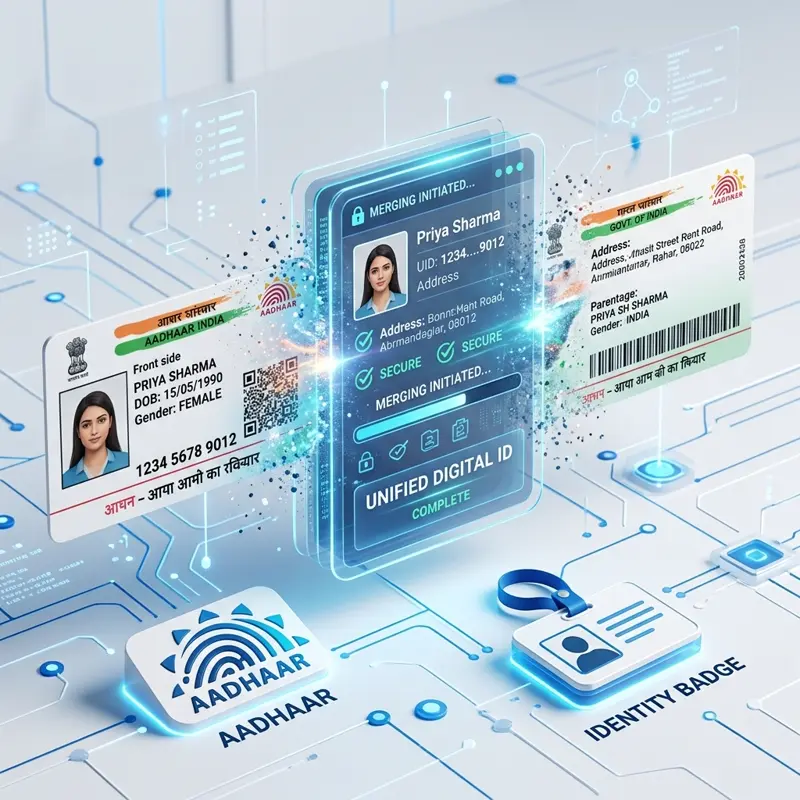
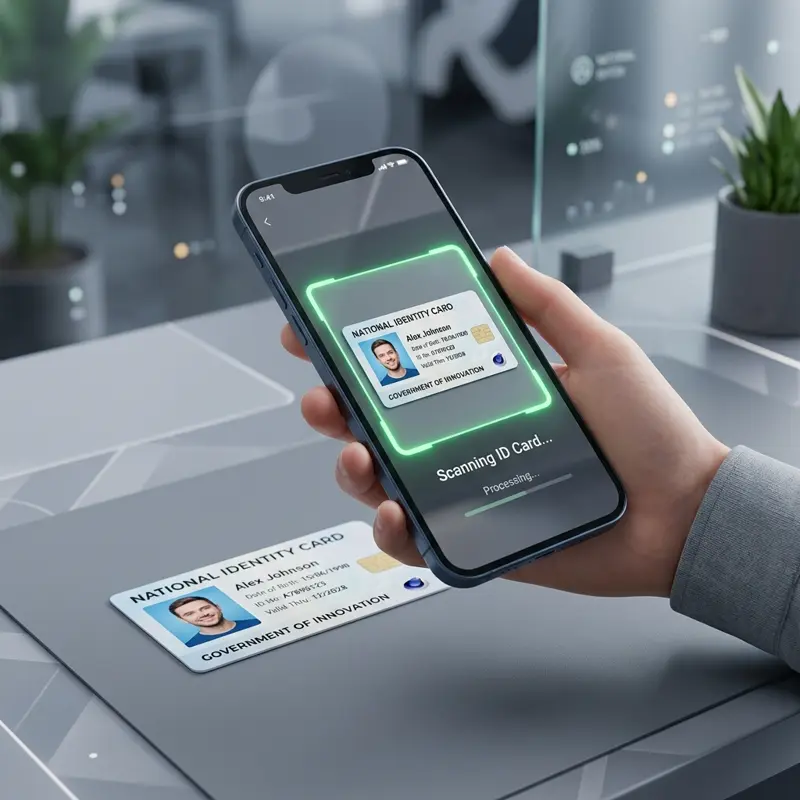
ID Card Scanning

Professional Online ID Card Scanner

Perfect for scanning Aadhaar cards, PAN cards, and driving licenses. Our ID mode automatically captures both sides and fits them perfectly onto a single A4 page for easy printing.

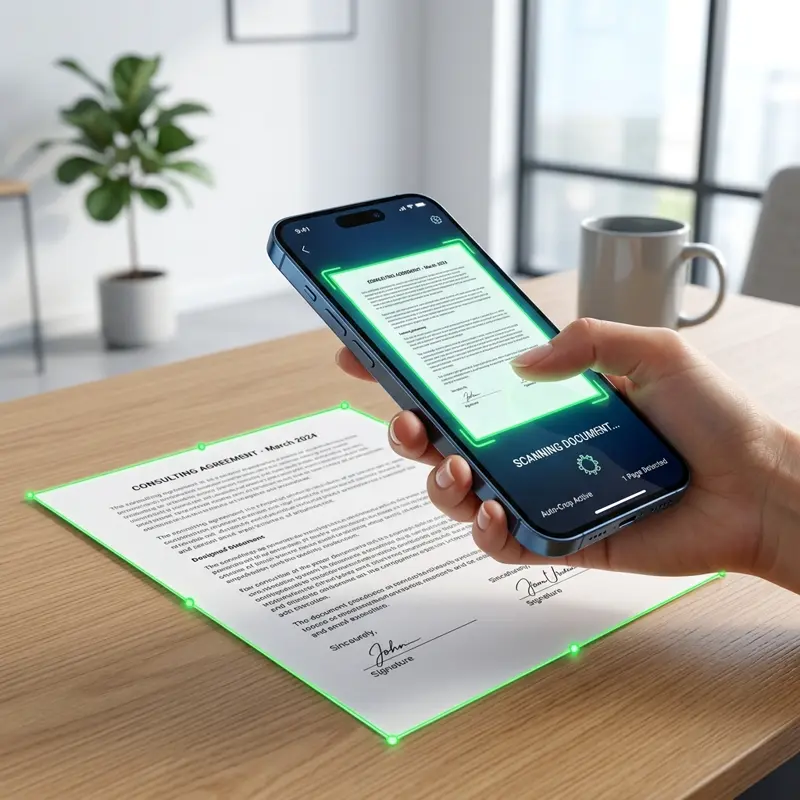
Smartphone Document Scanner

Convert JPG to PDF Online

Turn your photos into professional documents. Our smart edge detection technology crops and straightens your images automatically, delivering pixel-perfect results.

PDF Optimization

AI Image Enhancement

Enhance readability with professional filters. Choose from Magic Color, Grayscale, or B&W modes to optimize your scans for digital sharing or physical printing.

Secure Scanning

Privacy First Scanning

All image processing happens locally in your browser. Your sensitive documents never leave your device, ensuring 100% privacy and security.

How to Scan Documents Online?

  1. Capture: Click the "Scan" button and align your document within the frame. Our auto-detection will highlight the edges.
  2. Adjust: Use our advanced cropping tool with side-handles for parallel movement to perfectly align corners and fix perspective.
  3. Enhance: Apply professional filters like Magic Color or B&W to improve document clarity and remove shadows.
  4. Save: Organize your scans into folders and download them as high-quality, compact PDF files.

Why Choose ScannerOnline.io?

ScannerOnline.io is more than just a scan app; it's a complete document productivity suite in your browser. Unlike traditional software, we don't require any accounts or installations to get started.

  • Unlimited Scanning: No limits on the number of pages or documents you can process.
  • HD Quality: Our algorithms ensure that text remains sharp and images stay vibrant even in small file sizes.
  • Multi-Platform: Use it as a mobile scanner on your phone or a desktop tool on your PC. It's a true cross-platform PWA.
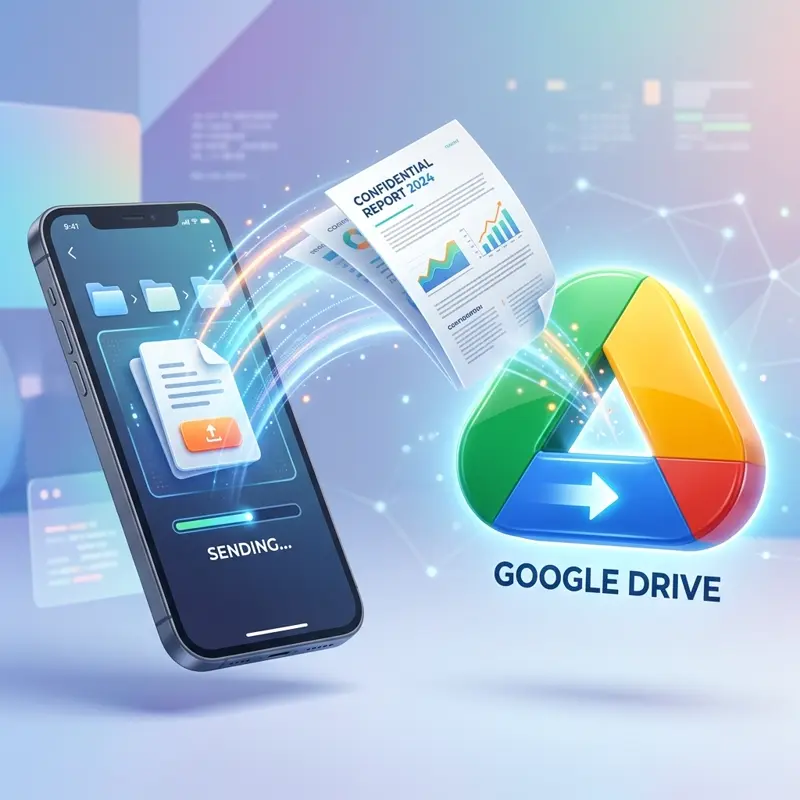
  • No Vendor Lock-in: Avoid getting locked into a single app. Unlike other scanners that store your files on their private servers, we save directly to your Google Drive so you always own your data.
  • OCR Coming Soon: We are constantly working on new features like Optical Character Recognition to extract text from your scans.

Frequently Asked Questions

Absolutely. We prioritize your privacy. All document processing happens locally within your browser using advanced AI. Your sensitive documents never leave your device and are never uploaded to our servers.

No installation is required. ScannerOnline.io is a Progressive Web App (PWA) that works directly in your mobile or desktop browser (Chrome, Safari, Firefox, etc.).

Select the "ID Card" mode in the scanner. Capture the front side, then the back side. Our AI will automatically align and fit both sides onto a single A4 page for you.

Yes. You can upload existing images from your gallery using the "Gallery" button. Our tool will automatically detect edges, fix perspective, and allow you to save them as a professional PDF.

Currently, we support exporting your scanned documents in high-quality PDF and JPG formats.

Download Complete!